1. Open the Settings
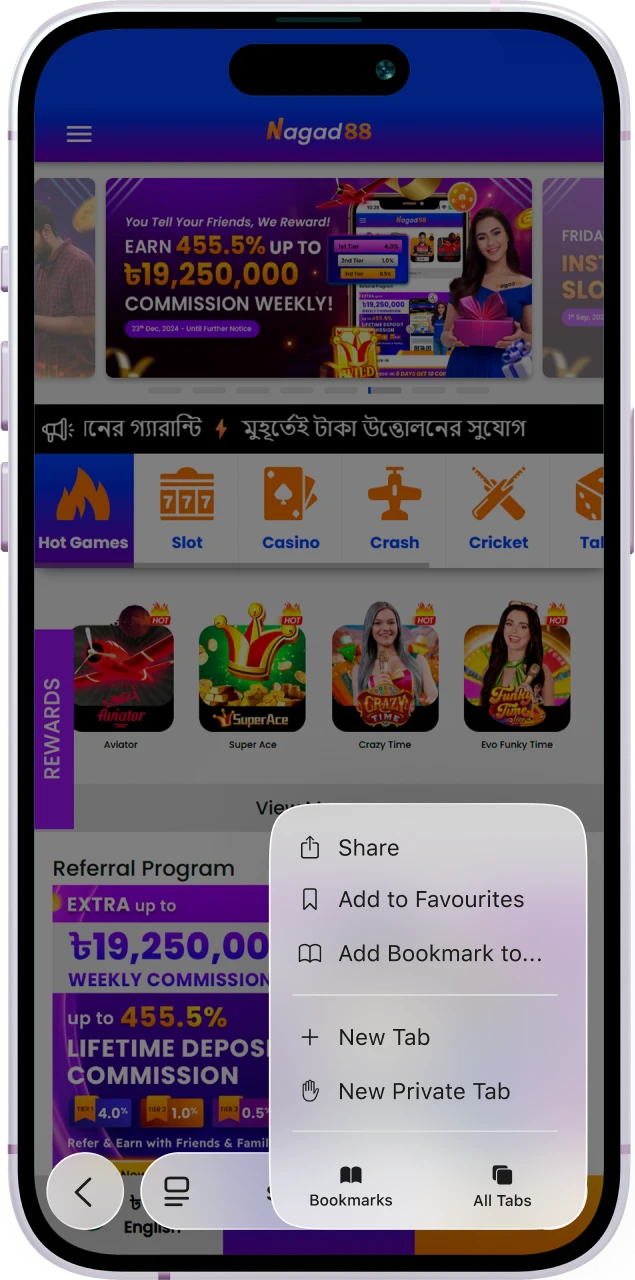
At the bottom of the screen, tap the “Share” button. After that, the browser menu will appear on the page.
If you play on a smartphone, you can install the Nagad88 app on Android or iOS. It fully replicates all the features of the website but provides a higher level of comfort and opens access to additional functions. Android smartphone owners can download the APK file and install a full-fledged mobile application. iPhone and iPad users have access to the PWA version, which is installed using a browser.
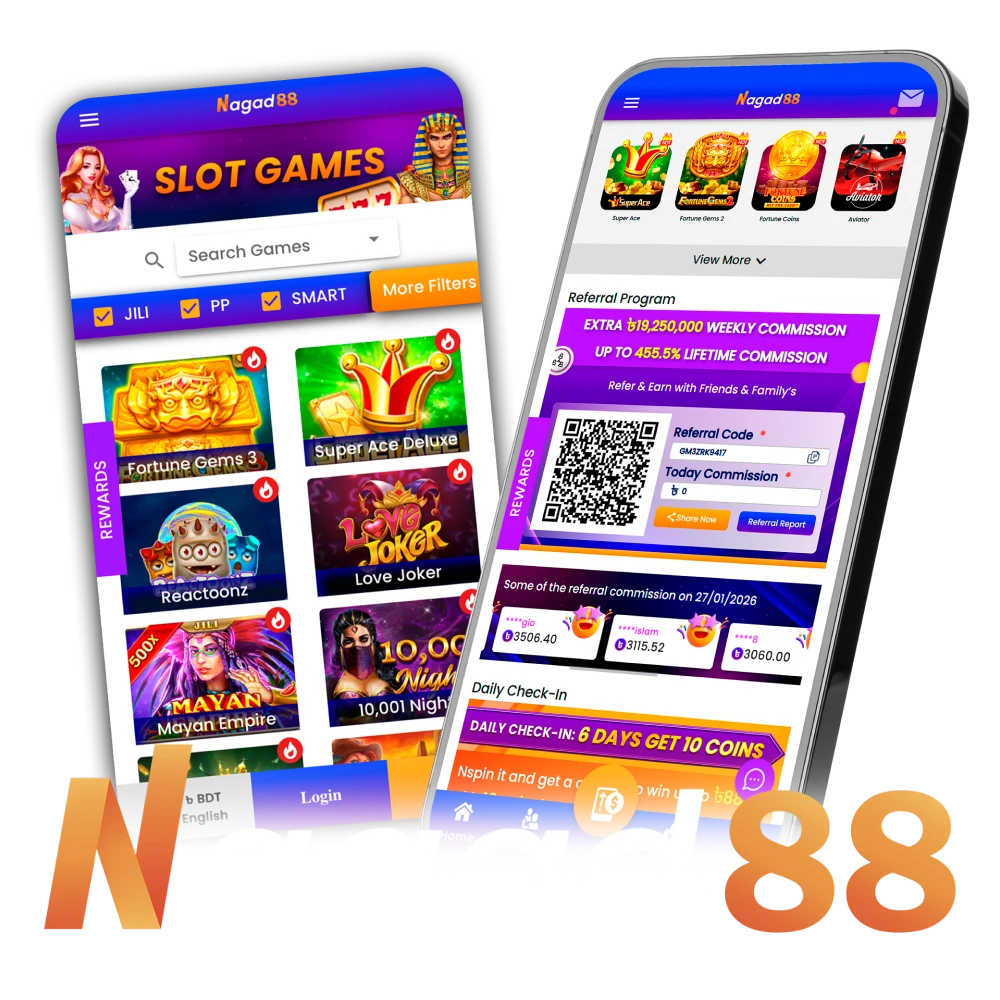
The Nagad88 official website is a legal online casino and bookmaker. We offer you a choice of thousands of slot machines and hundreds of sporting events for betting. All these features are also implemented in the mobile application.
| Parameter | Details |
| License | Curacao |
| Supported OS | Android, iOS |
| Release Date | 2023 |
| Cost of Download | Free |
| File Size | 6.5 Mb |
| Installed App Size | 45 Mb |
| Installation Time | 1 Minute |
| App Languages | English, Bengali |
| Minimum Deposit | 100 BDT |
| Minimum Withdrawal | 200 BDT |
| Payment Methods | Nagad, bKash, Rocket, UPay |
| Welcome Bonus | 100% up to 20,000 BDT |
| Supported Countries | Bangladesh |
| Customer Support | Live Chat, Email |
Playing in the Nagad88 app is not only comfortable but also safe. We use secure data transmission methods as well as a multi-level encryption system.
The main advantage of the mobile application is that it is developed taking into account the specifics of operating systems. Owners of smartphones and tablets on iOS can install the PWA version, which fully repeats the functionality of the site but provides faster access to gambling games via a shortcut. In addition, the interface of pages in the PWA version of the Nagad88 app stretches to the full screen. You will not be distracted from the game by the address bar and other interface elements that are present in the browser.
| Feature | Details |
| App Title | Nagad88 |
| File Size | ~3.5 Mb (Web Cache) |
| App Category | Entertainment |
| OS Compatibility | iOS / iPadOS |
| Required iOS Version | 13.0 |
| Installation | Added via Safari → “Add to Home Screen” |
| Notifications | Push notifications not supported |
| Updates | Automatic on next PWA launch |
| Security | HTTPS connection, encrypted data transmission |
The Nagad88 app download for iOS is performed using a browser. The first thing you need to do is open this website in Safari. After that, complete a few more steps:
At the bottom of the screen, tap the “Share” button. After that, the browser menu will appear on the page.
Among the suggested options, select “Add to Home Screen.” Then, specify the name for the shortcut.
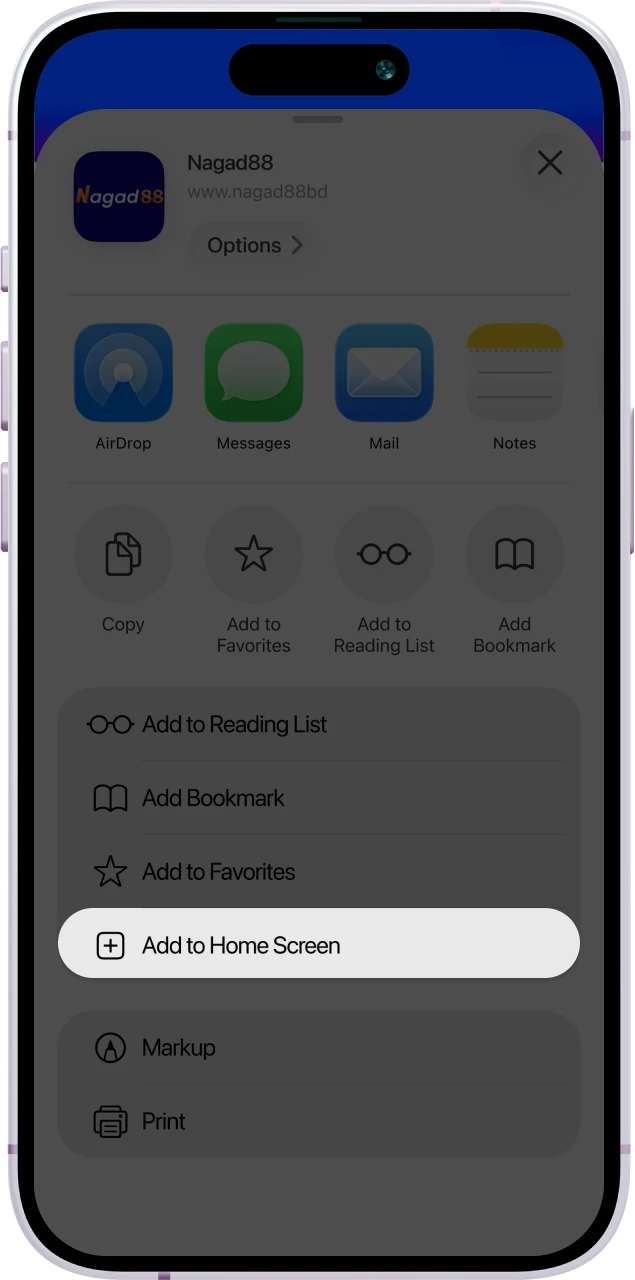
Tap the “Add” button. A shortcut with the Nagad88 logo will automatically appear on the main screen of your smartphone.
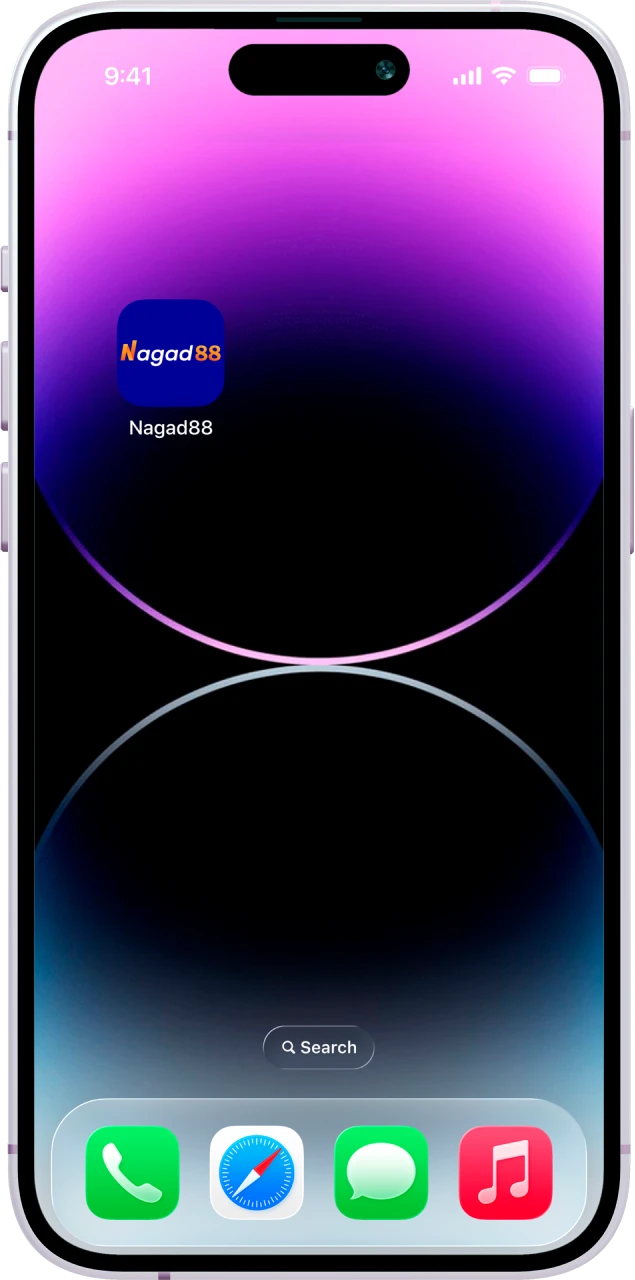
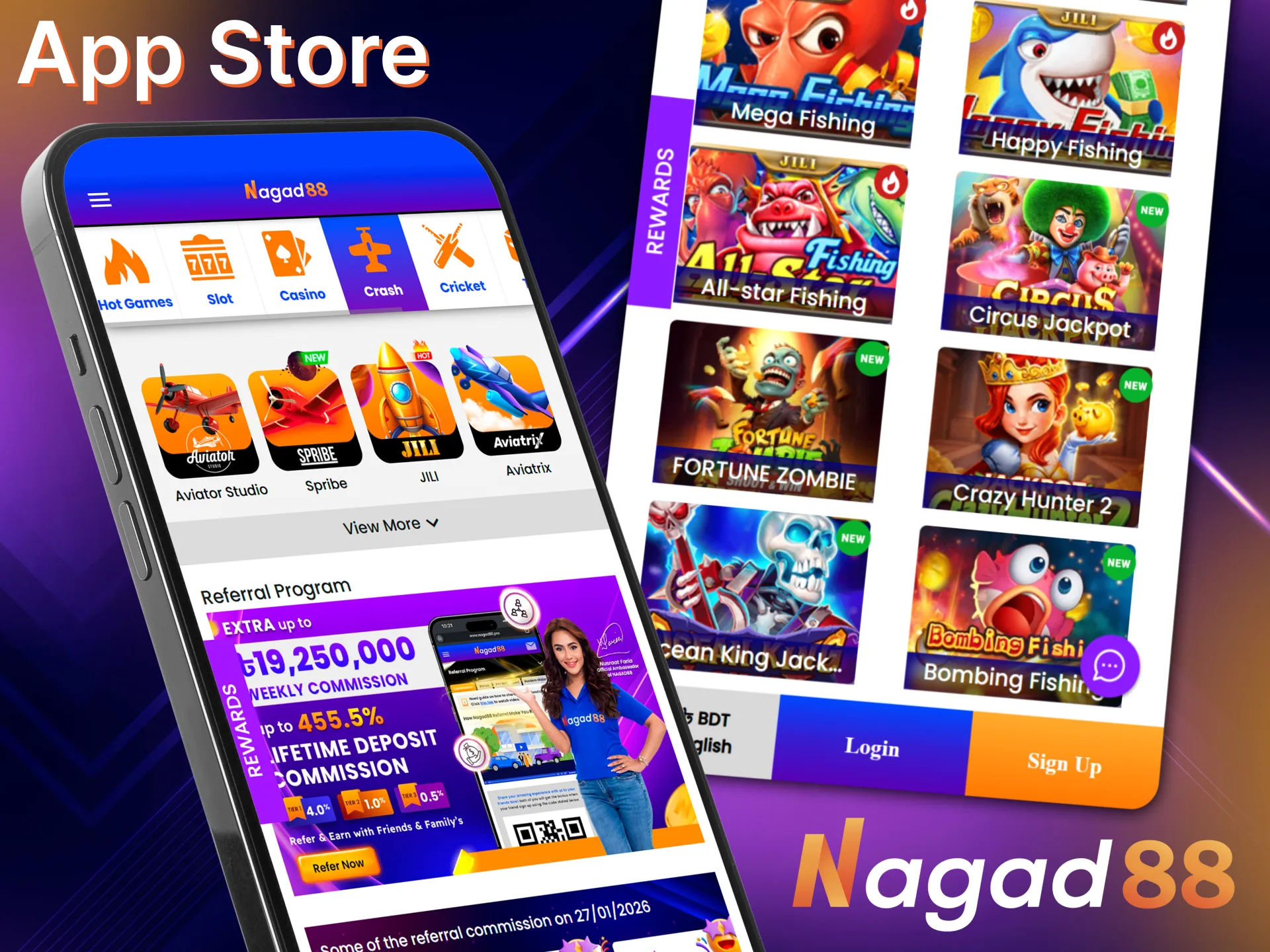
The PWA version is an adaptation of the official website but with an expanded interface and quick access. It can only be installed via a browser. You will not find the official mobile application in the App Store.
The mobile version of Nagad88 for Android is a full-fledged application that can be downloaded and installed on this website. It implements not only basic features but also additional functions, such as interface and notification settings. The application is developed taking into account the specifics of the operating system and the technical characteristics of popular smartphone models.
| Feature | Details |
| App Title | Nagad88 |
| File Size | 6.5 Mb |
| App Category | Entertainment |
| OS Compatibility | Android |
| Required Android Version | 7.0 |
| Installation | APK |
| Notifications | Yes |
| Updates | Automatic |
| Security | 2FA |
You can download the current version of the mobile application for Android only on Nagad88 website. Do not look for it in search engines or on third-party sites. By doing so, you risk infecting your device with malware. To install the mobile client, follow these steps:
Click the button to download the Nagad88 APK file. If the download does not start after this, disable the automatic pop-up blocker in your browser settings.
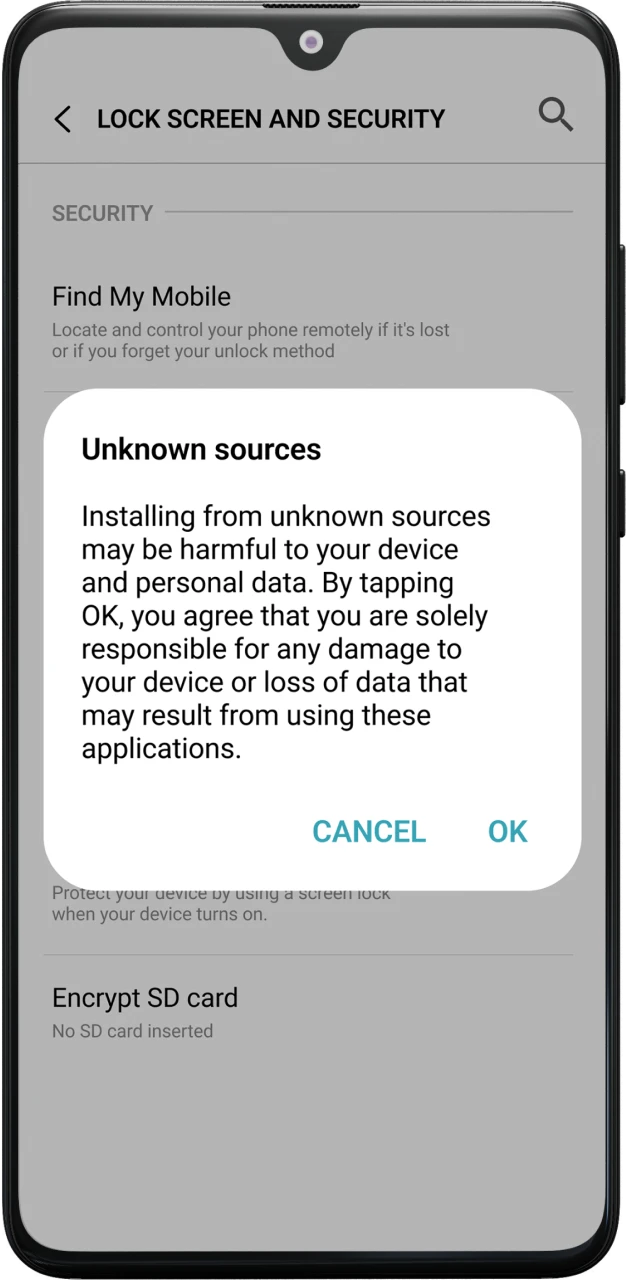
Open your smartphone parameters and, in the security section, allow the installation of applications downloaded from unknown sources. Without this step, the smartphone’s security system may block the installation.
This takes an average of a few minutes. Do not interrupt the download, turn off your smartphone, or disconnect from the internet until the loading is finished.
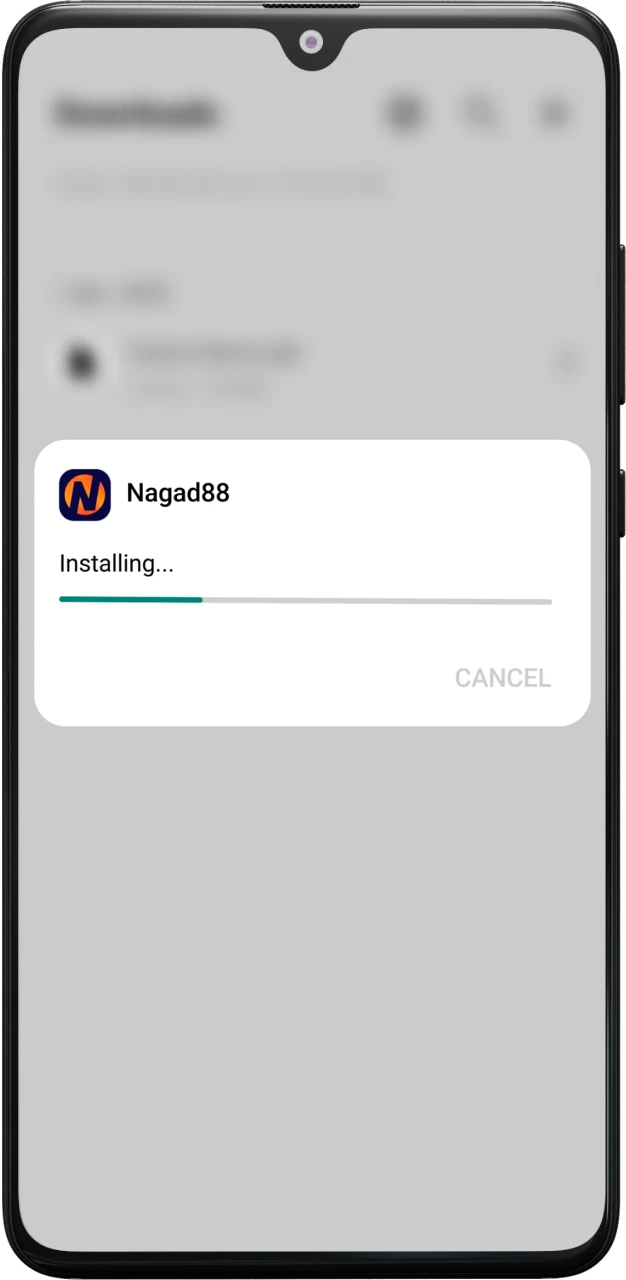
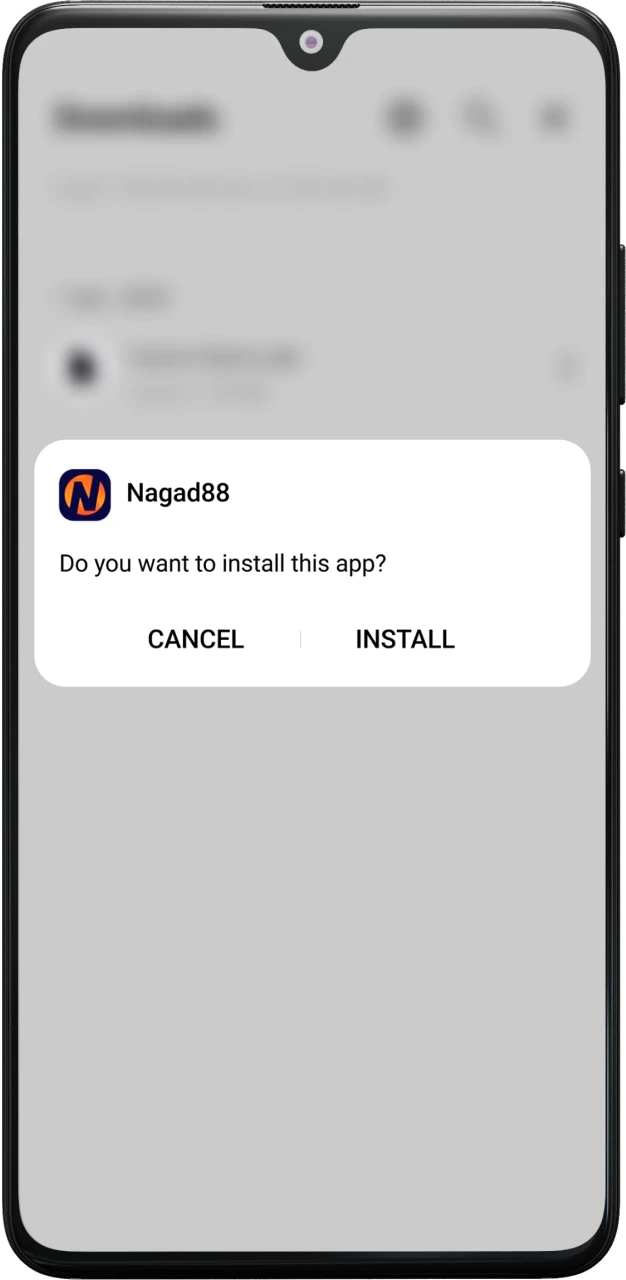
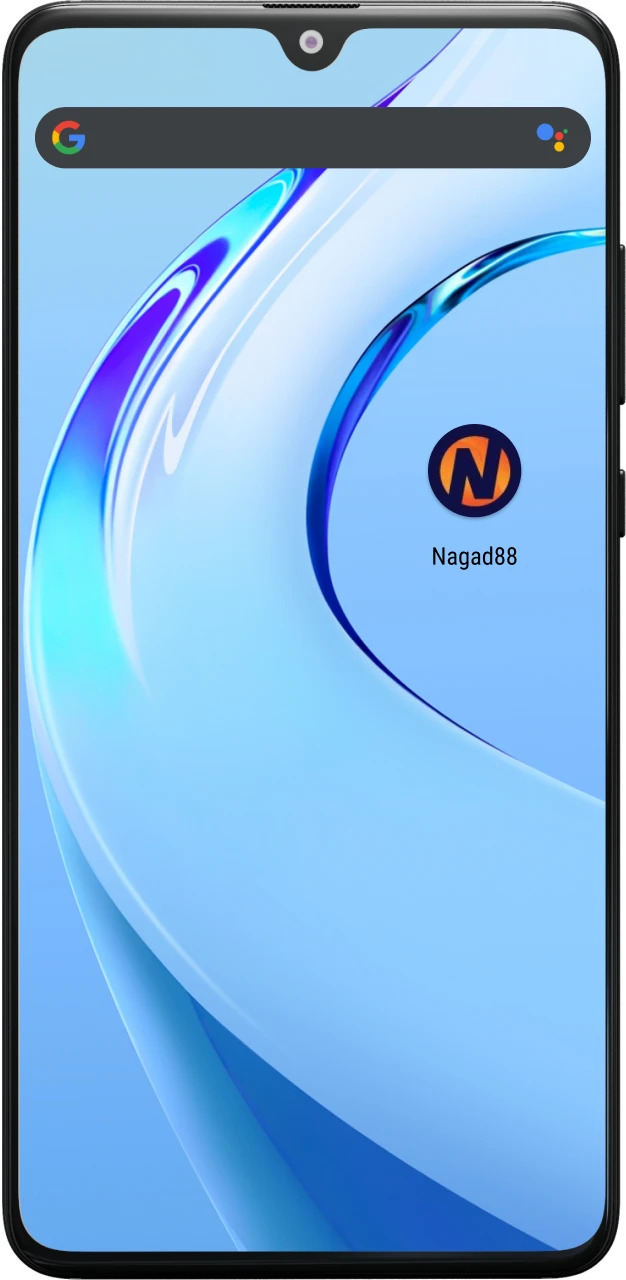
Locate the downloaded file in the smartphone’s memory and open it. Confirm the installation and wait for it to complete. This takes about a minute.
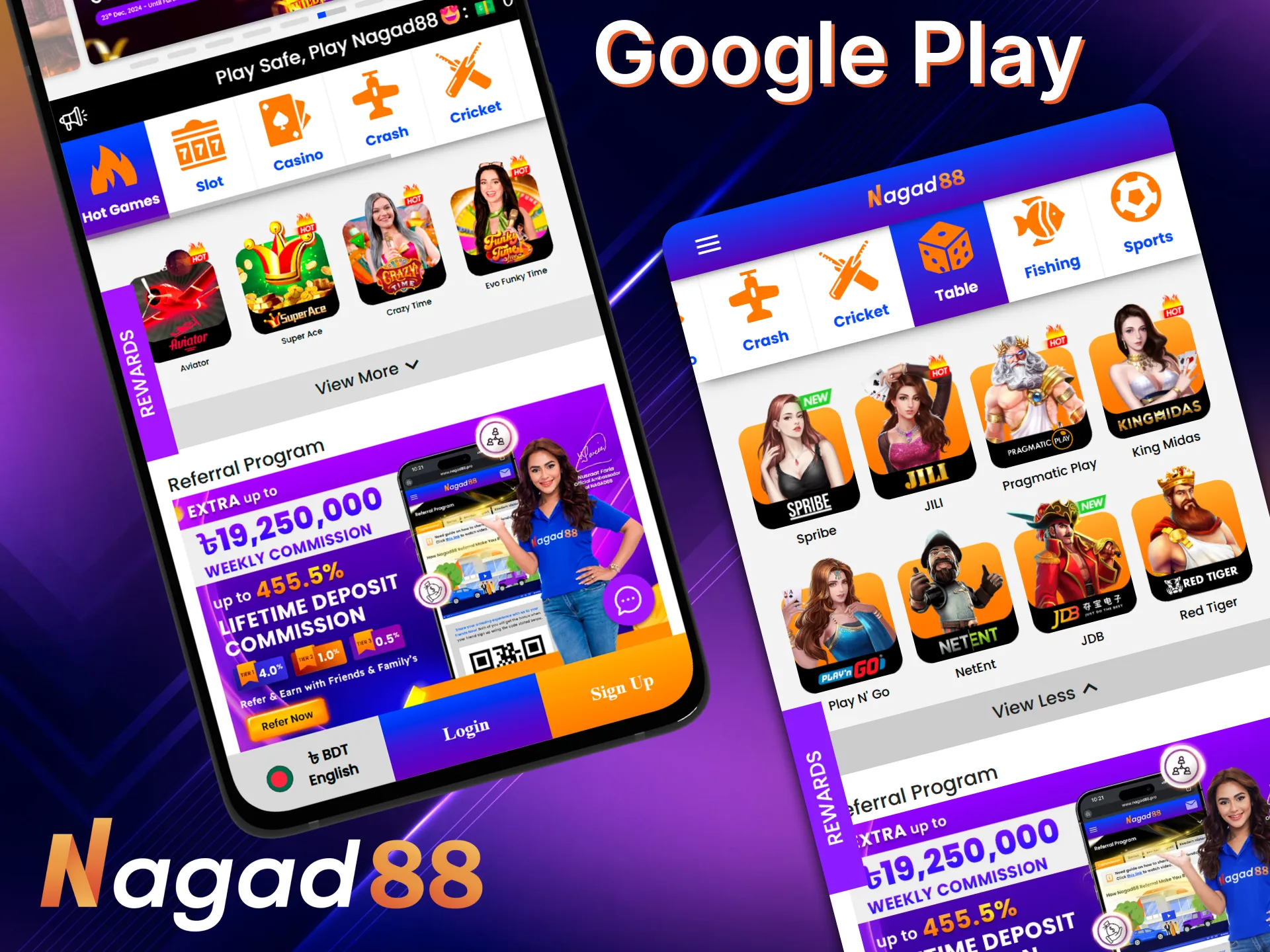
The Nagad88 app download APK is available only on this website. You will not find it in the official Google Play Store. This is due to Google’s policy regarding applications that offer gambling.
For a comfortable gaming experience in the mobile application, your device must meet the minimum recommended specifications. Otherwise, we cannot guarantee its stable performance.
| Parameter | Details |
| Operating System | Android 7.0 |
| RAM | 2 Gb |
| Storage Space | 100 Mb |
Before releasing the mobile application, we tested it on dozens of popular smartphone models on Android and iOS. It works stably and without technical errors on all these devices.
| Android | iOS |
| Samsung Galaxy S25 / S25+ / S25 Ultra | iPhone 17 / 17 Air / 17 Pro / 17 Pro Max |
| Google Pixel 10 / 10 Pro | iPhone 16 / 16 Plus / 16 Pro / 16 Pro Max |
| OnePlus 16 / 16 Pro | iPhone 15 / 15 Plus / 15 Pro / 15 Pro Max |
| Xiaomi 17 / 17 Pro / 17 Pro Max | iPhone 14 / 14 Plus / 14 Pro / 14 Pro Max |
| OPPO Find X9 / X9 Pro | iPhone 13 / 13 Mini / 13 Pro / 13 Pro Max |
| Vivo X300 / X300 Pro | iPhone 12 / 12 Mini / 12 Pro / 12 Pro Max |
| Honor Magic 8 / Magic 8 Pro | iPad Pro (latest generations) |
| Motorola Razr Fold (2026) | iPad Air (latest generations) |
| Sony Xperia 1 VI / 5 VI | iPad Mini (recent models) / iPad (standard) |
If you did not find your smartphone model among those listed, do not be discouraged. These are only the models on which tests were conducted. You can download Nagad88 apps on hundreds of other smartphones as well.
We are constantly working on improving the mobile application. New gambling games, bonuses, and functions are added, optimization is enhanced, speed is increased, etc. Therefore, it is important to update it on time. The current version of the application can always be downloaded on this website. If you have already done this, it is better to update the already installed mobile client.
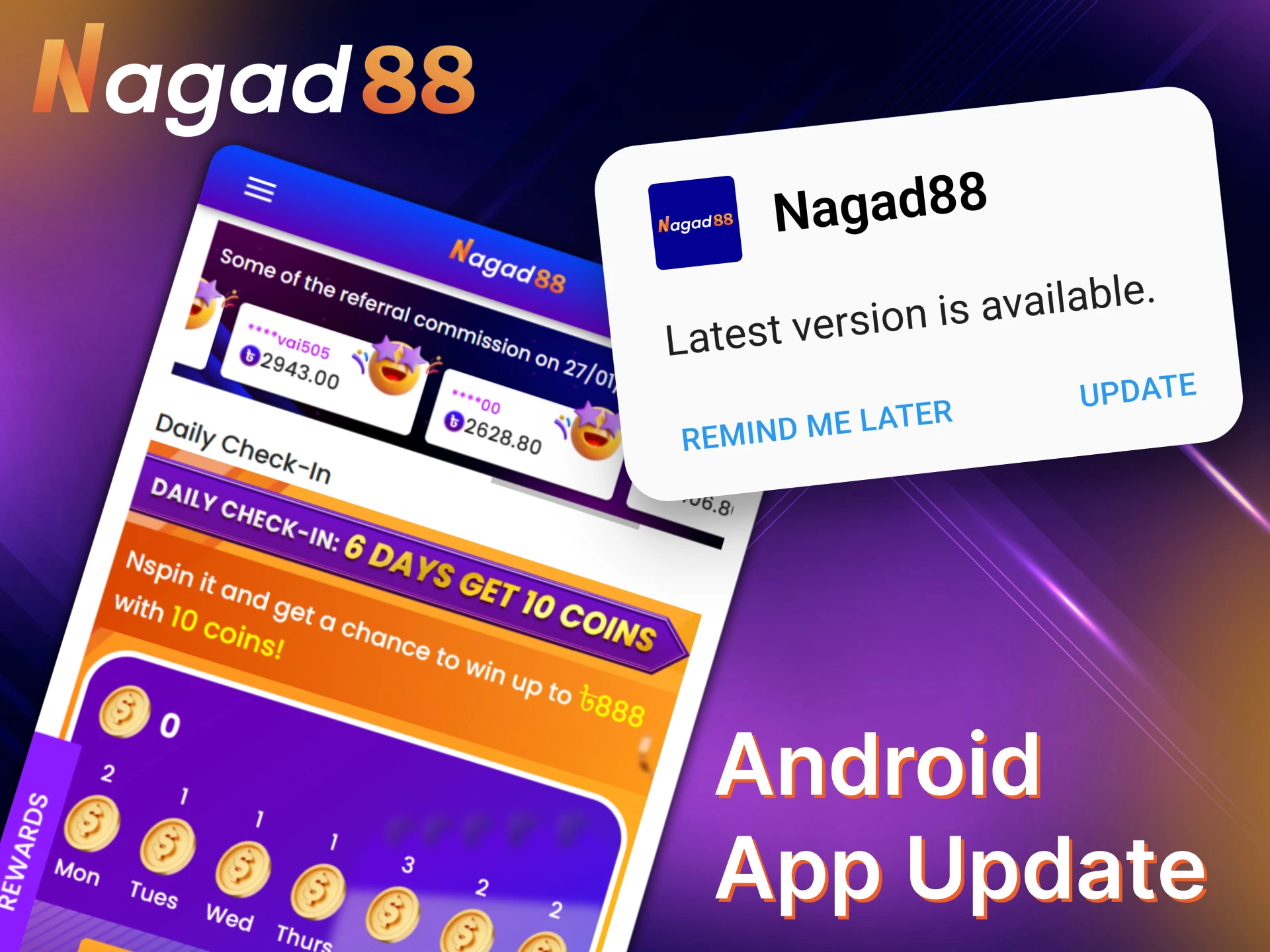
The Nagad88 mobile app update for Android occurs in a semi-automatic mode. What you need to do:
Some updates are not mandatory, and you can play without them. However, we still recommend installing them on time to be the first to gain access to new features.
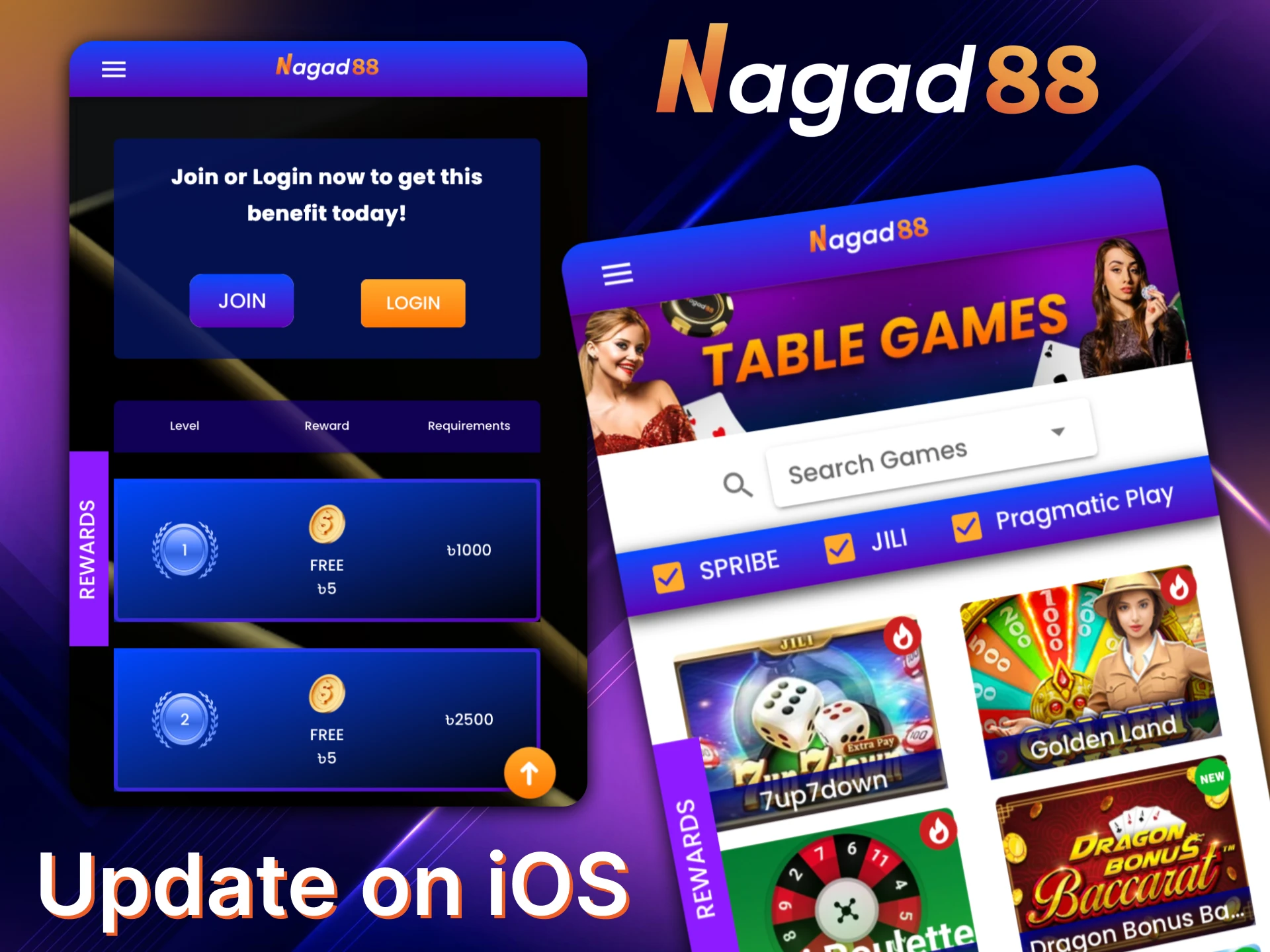
The main advantage of the PWA version over the Android app is the lack of necessity to install updates. The functionality of the mobile version is identical to the official website. As soon as something is updated on the site, it becomes available in the PWA application as well.
If you do not want to download the Nagad88 APK, or if your smartphone does not meet the minimum system requirements, you can play in the web version. Our website design is responsive; it automatically adjusts to the screen parameters. If you cannot choose between the web version and the mobile application, it is important to consider their main advantages.
| App | Web Version |
| Faster and more convenient interface | No downloading or installation required |
| Quick access via a shortcut | Works on any smartphone model |
| Advanced settings | Does not take up memory space |
| Improved graphics in slots | Updates are available by default |
| Regular updates | Available on all operating systems |
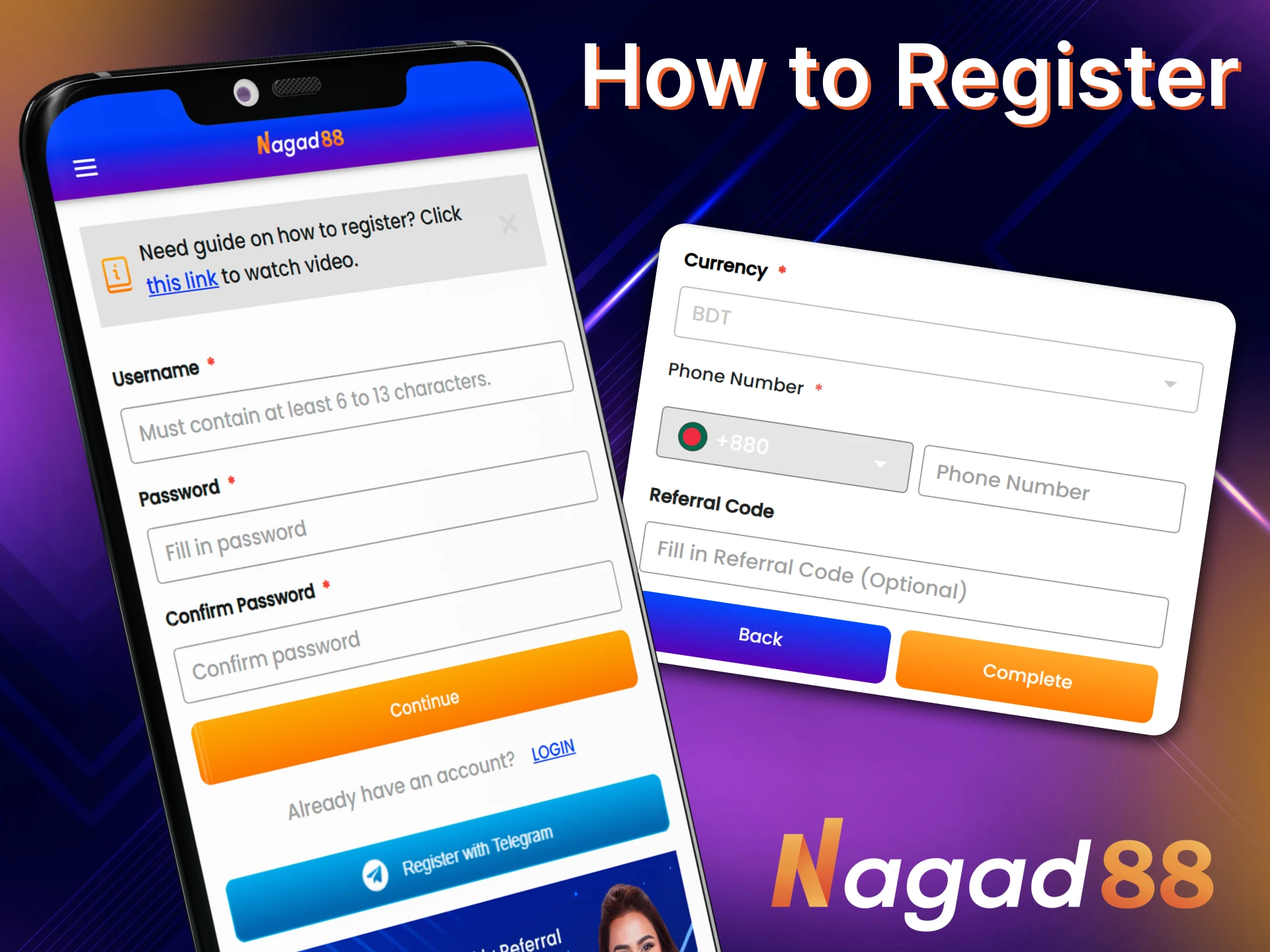
To place sports bets and play in the casino for money, you need to register. Without an account, most of the application’s functions will be unavailable to you. To register, do the following:
Please note that you must be at least 18 years old to register at Nagad88. Also, you may only have one account.
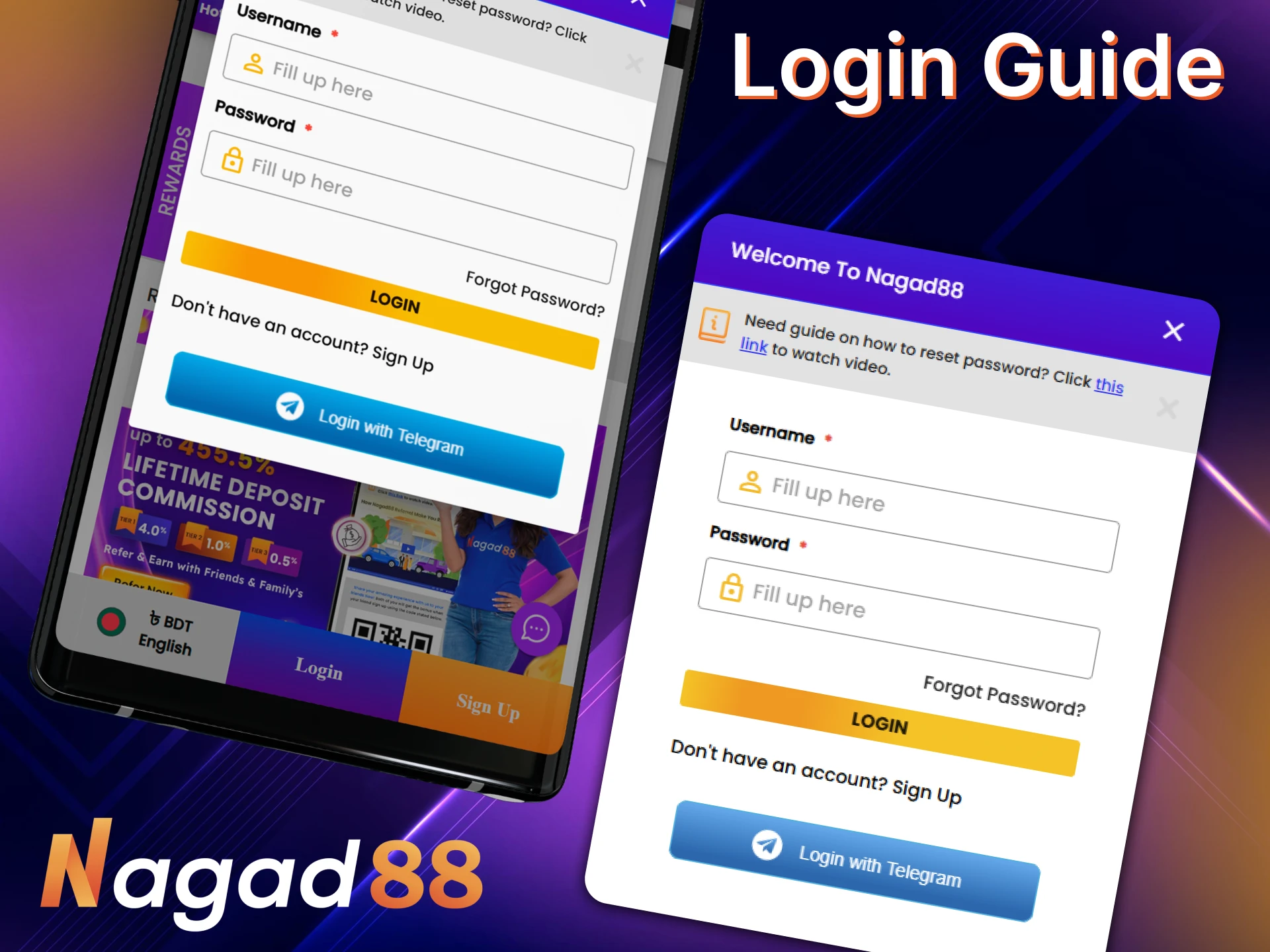
The first authorization occurs automatically after registration. In the future, you will need to log in to your account manually. To do this, follow these steps:
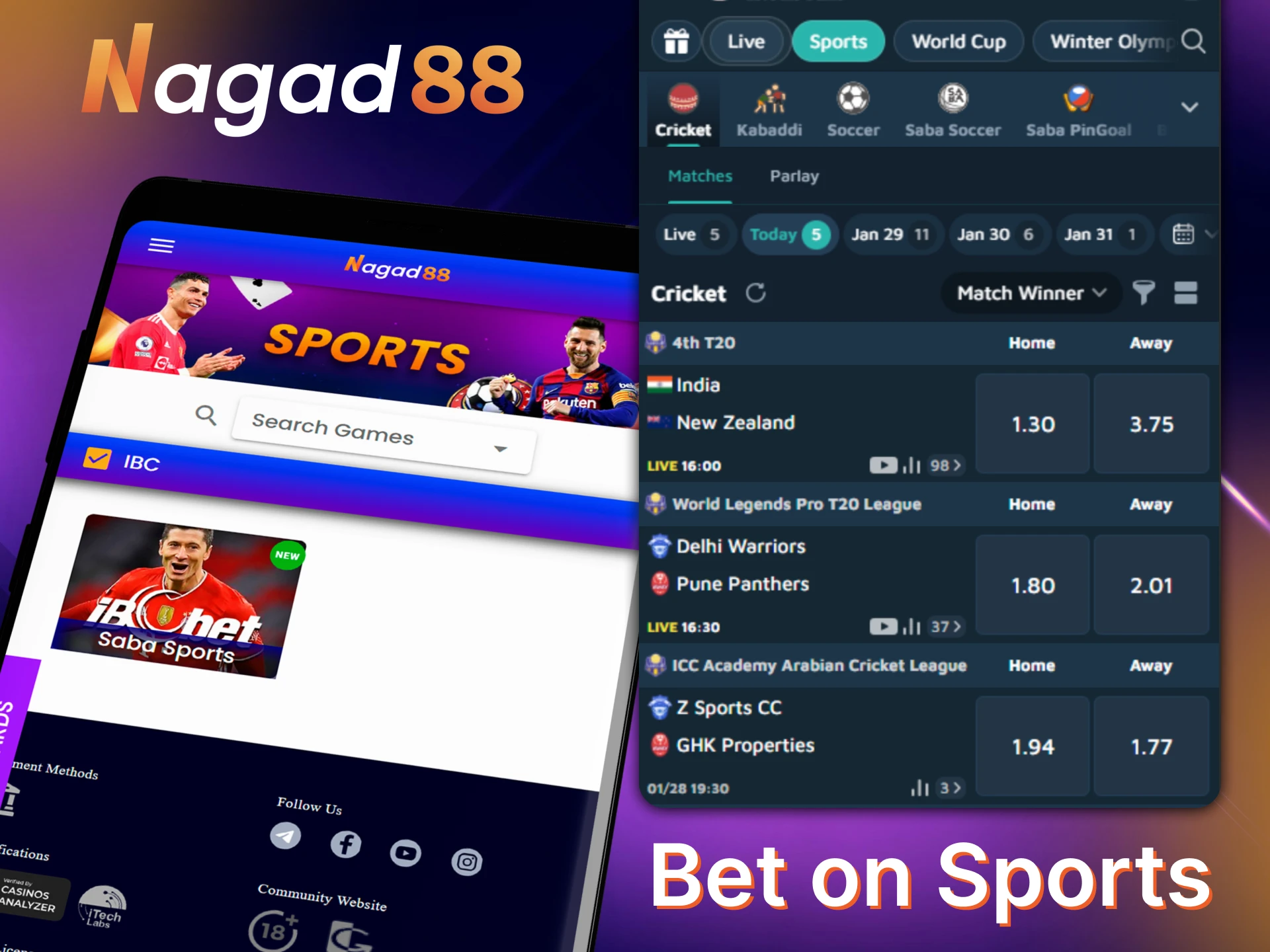
The same sports available on the website are also available for betting in the Nagad88 mobile application. This includes more than 10 disciplines, including cricket, football, basketball, etc. Every day you can place bets on hundreds of sporting events. We accept single and double bets, accumulators (express), and systems.
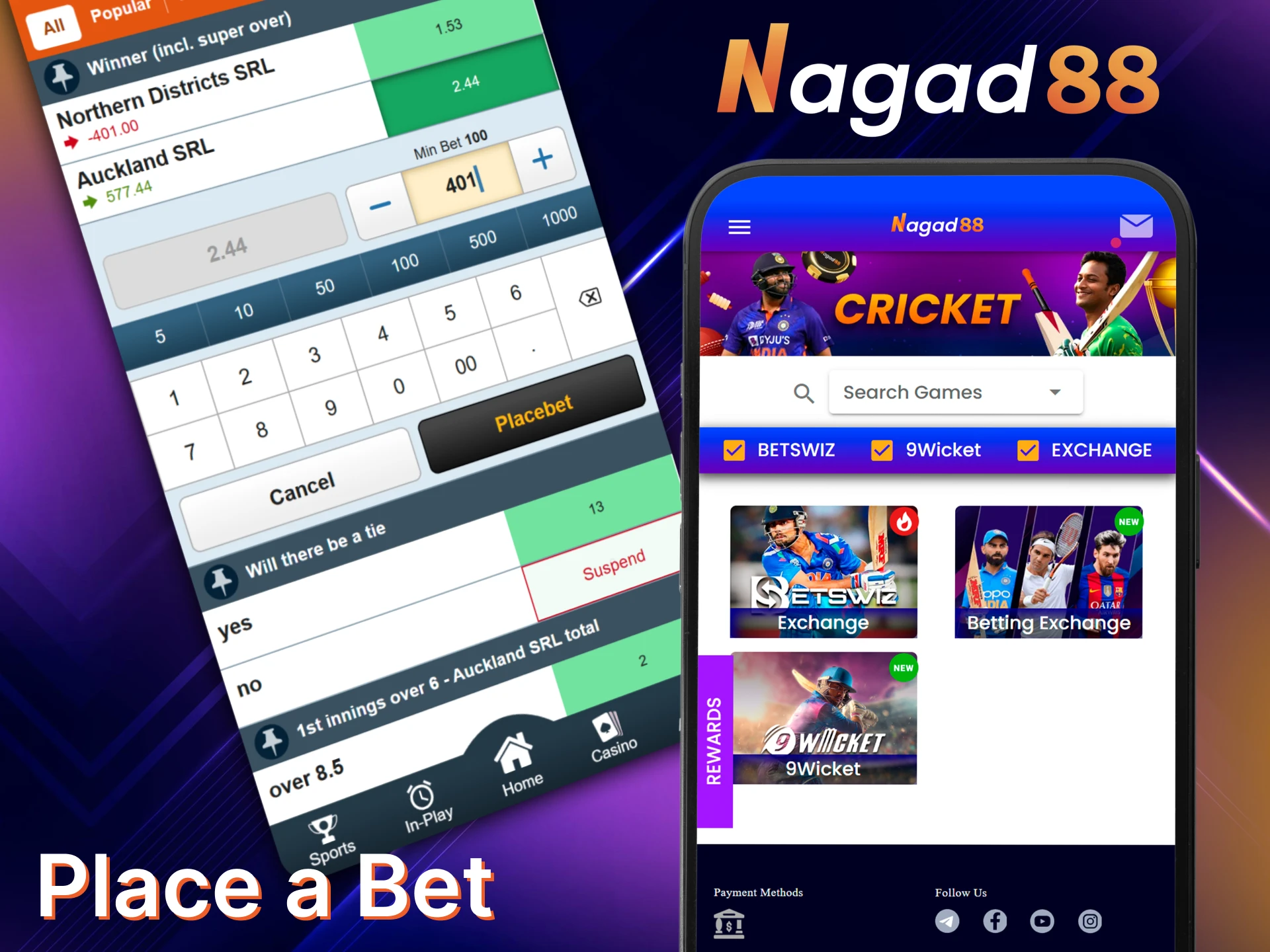
To start placing bets, you must download Nagad88 to your smartphone, register, and log in to your account. Next, you need to activate a no-deposit bonus or top up your account. After that, follow a few more steps:
Confirm the prediction. Once a bet is confirmed, it cannot be changed. Therefore, check all the details in advance. In case of an error, you will only be able to cancel the bet, but then you risk losing part of the money.
In the online casino, thousands of games will be available to you. These include classic and modern slot machines, table and card games, games with live dealers, crash games, and lotteries. New slot machines are added to the lobby daily.
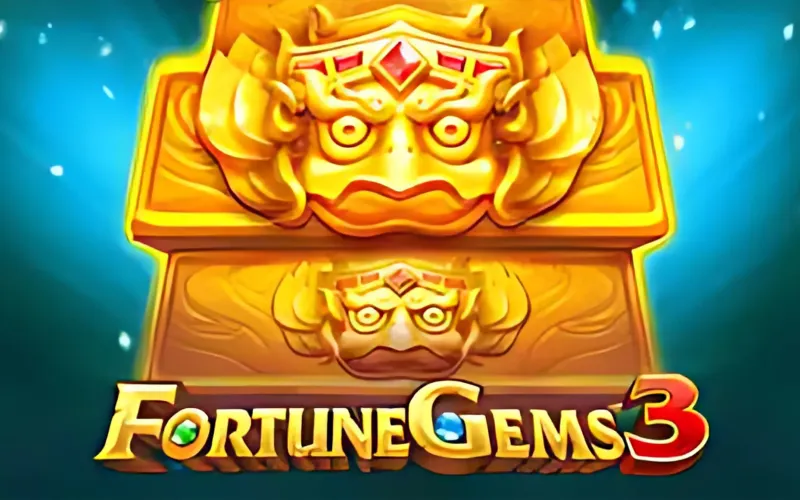
A slot machine from provider JILI, dedicated to the theme of precious stones. Its main feature is two types of bonus games. The maximum win is x10,125.
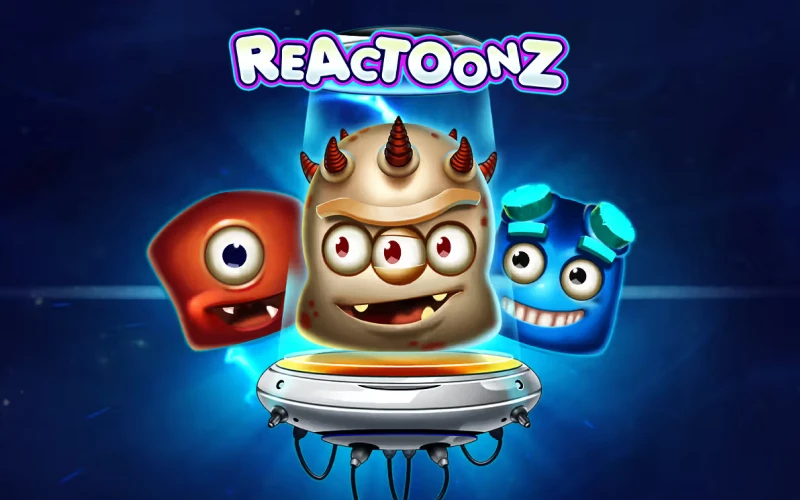
An unusual alien-themed slot machine. Winning combinations are formed from groups of identical symbols and trigger chain reactions. The maximum win is x4,750.
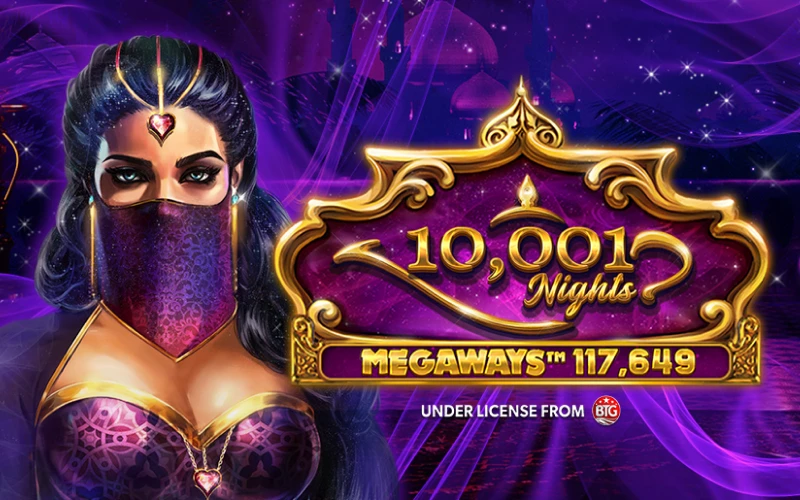
A legendary slot machine from provider Red Tiger, in which you can win up to x10,000. It is dedicated to the theme of the Middle East. There are regular and expanding wilds, random multipliers, and free spins with increased multipliers.
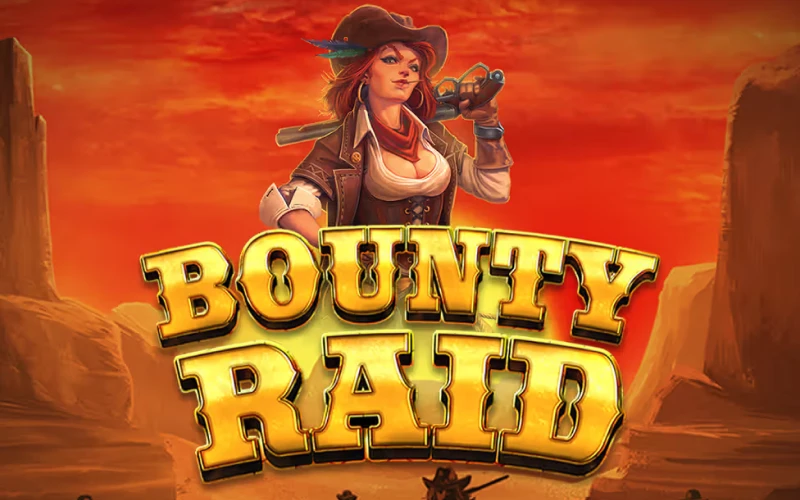
A Red Tiger slot machine with medium volatility and a maximum win of x1,000. Its theme is the Wild West. The gameplay is based on catching criminals Their symbols appear in the form of portraits with multipliers. The win is awarded if a bounty hunter symbol appears on the reels at the same time.
An Asian-style slot with medium volatility. Its main feature is a huge wild that can occupy up to 9 cells simultaneously. There is also a mystical symbol that is replaced by another random one.

A police-themed slot machine. Its main feature is criminal symbols with large multipliers. If a policeman appears on the reels at the same time as them, they bring a win. The maximum win in the slot is x2,000.
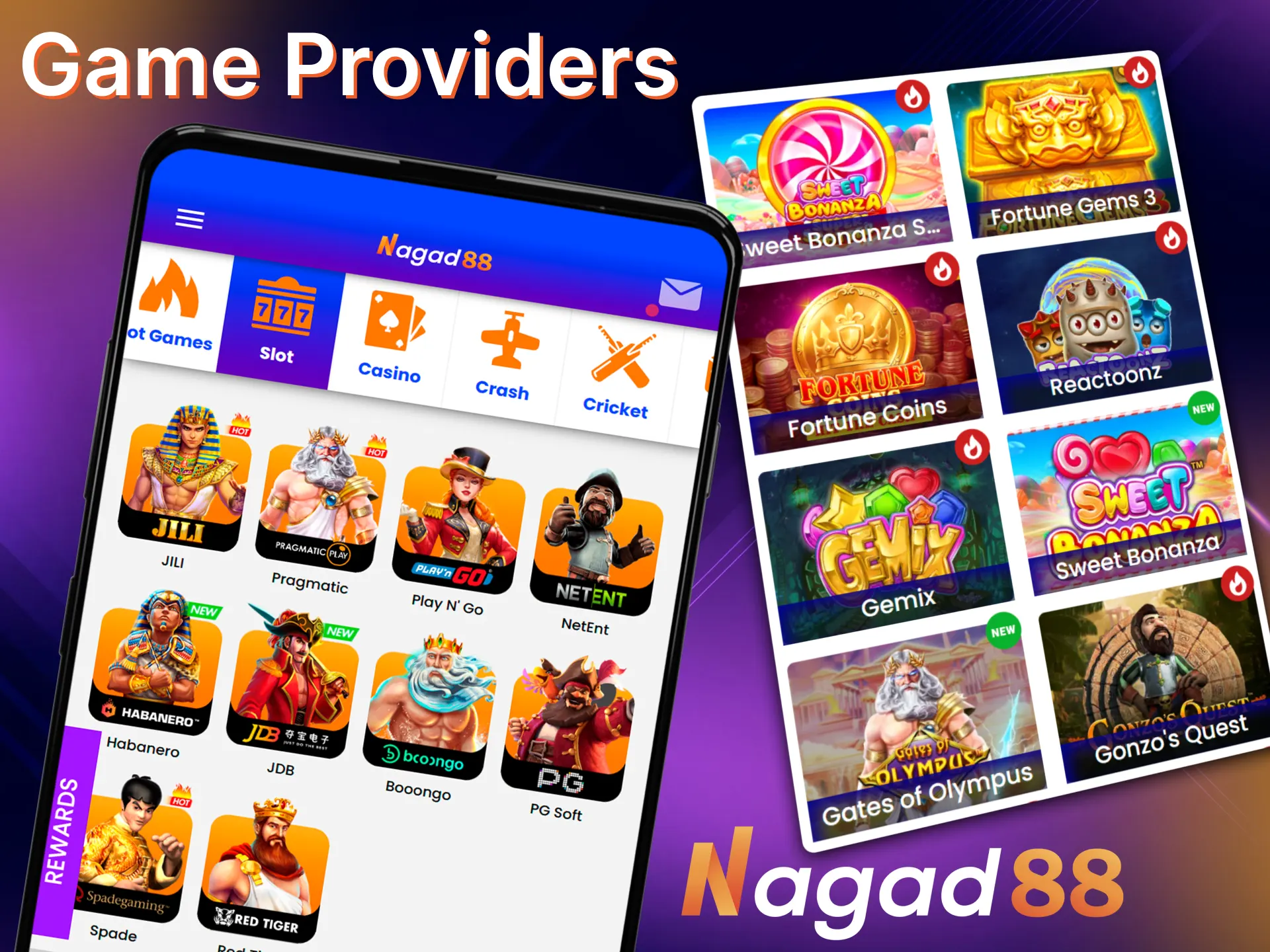
Nagad88 cooperates with several dozen major providers. The slots released by them have good optimization. They are comfortable to play on any smartphone models. Among the popular developers are Pragmatic Play, Play’n GO, NetEnt, Red Tiger, JILI, Evolution Gaming, PG Soft, Habanero, etc.
Nagad88 mobile app users receive all Bonuses available on the website. There are no restrictions. Special offers for both new and regular players will be available to you:
Valid for the first deposit and allows you to get 100% of its amount, but no more than 20,000 BDT. It can be activated once.
Credited for subscribing to our official community on Telegram. For this, you can receive 500 BDT.
Once a week, you can receive a 30% bonus up to 30,000 BDT for a deposit. The bonus is not limited by the number of activations.
Depending on the amount lost during the week, you will receive from 1% to 30% cashback. It is calculated only for players who ended the week with a net loss.
We also have a referral program, a loyalty program, VIP bonuses for every deposit, and much more. Active players can also take part in regular tournaments.
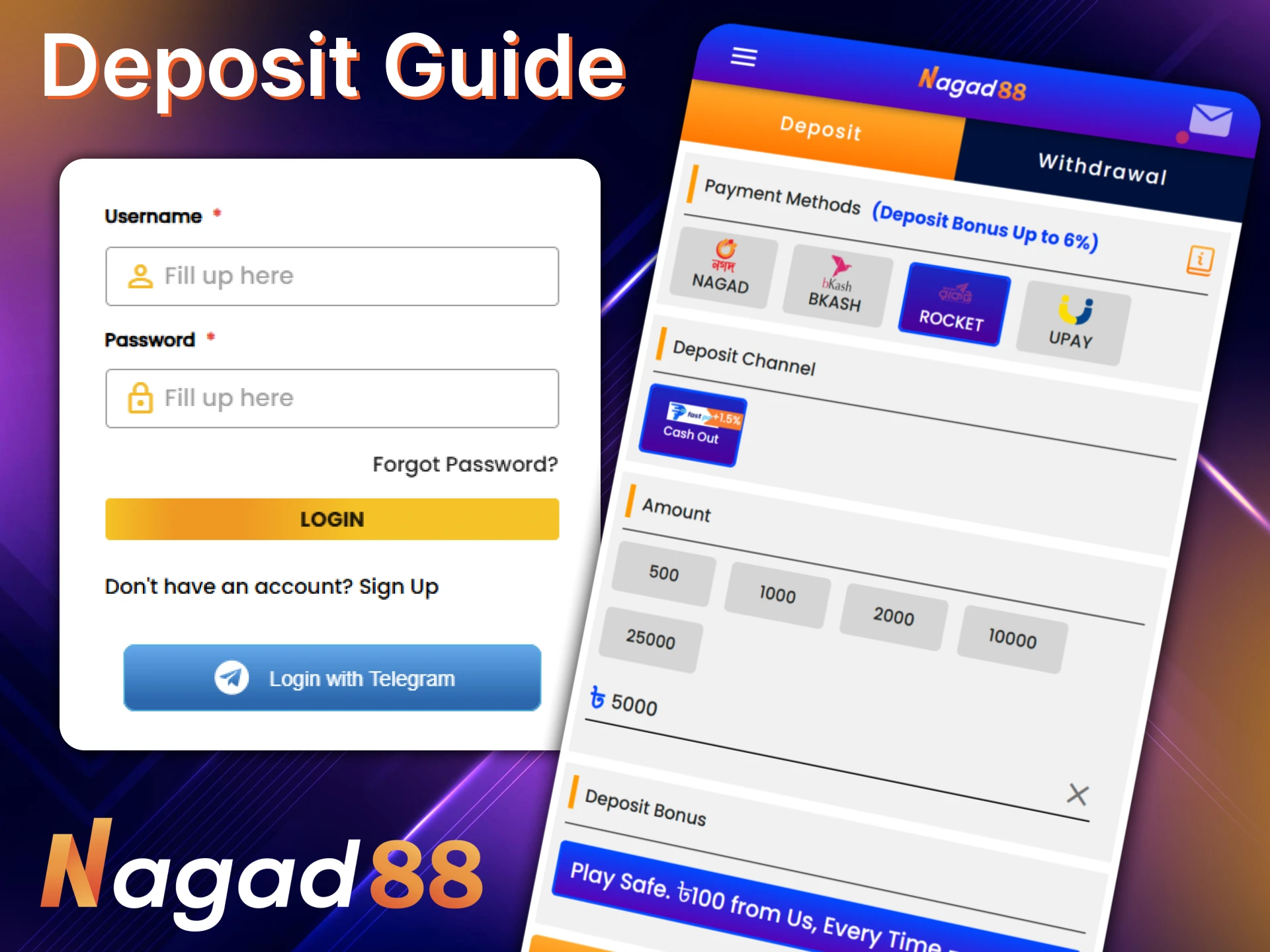
You can make a deposit in the Nagad88 mobile application. The Nagad, bKash, Rocket, and UPay systems are available for payments. Limits differ depending on the payment system. The minimum deposit is 100 BDT, and the maximum is 30,000 BDT. To transfer money to your balance, follow these steps:
The time for crediting money is on average no more than a few minutes. No commissions are charged on our part.
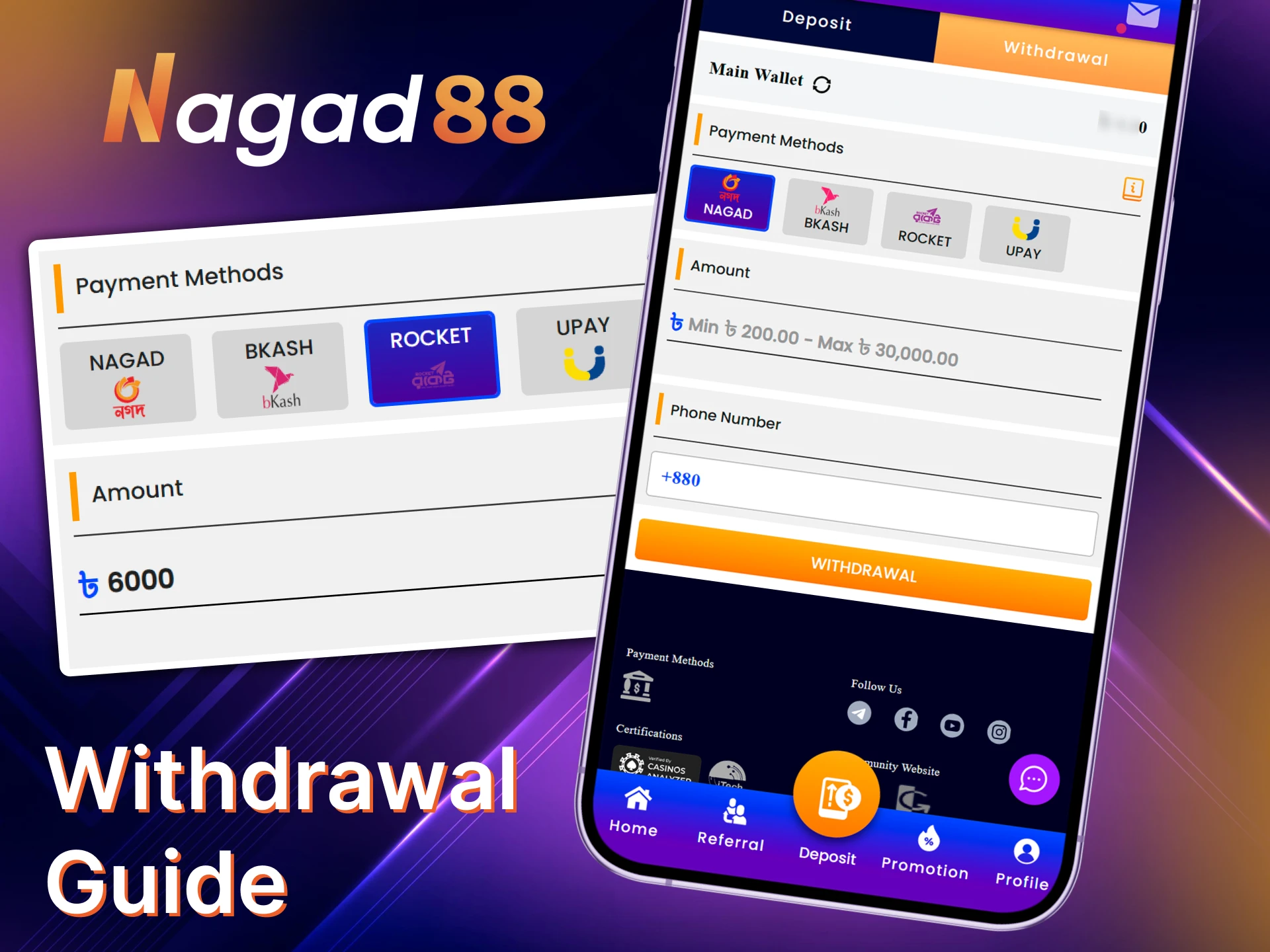
The same payment systems are available for withdrawing money as for deposits. These are Nagad, bKash, Rocket, and UPay. The minimum transaction amount is 200 BDT, and the maximum is 30,000 BDT. To submit a withdrawal request, do the following:
The withdrawal time depends on the chosen payment system. In most cases, it takes no more than 6 hours.
Sometimes players encounter problems when trying to download and install the Nagad88 mobile app. Most of them are simple and can be solved independently. Common problems and ways to solve them are described in the table.
| Problem | Solution |
| The app is not installing | Allow installation of apps from unknown sources in the smartphone settings |
| Error when downloading the APK file | Find a stable internet connection and retry the download |
| The app does not launch | Update the operating system version, disable security programs and antivirus |
| The shortcut does not appear on the screen | Free up space on the screen for a new shortcut |
If you do not know the cause of the problem or cannot solve it yourself, contact customer support for help. To do this, write to us in the chat or send an email to [email protected].
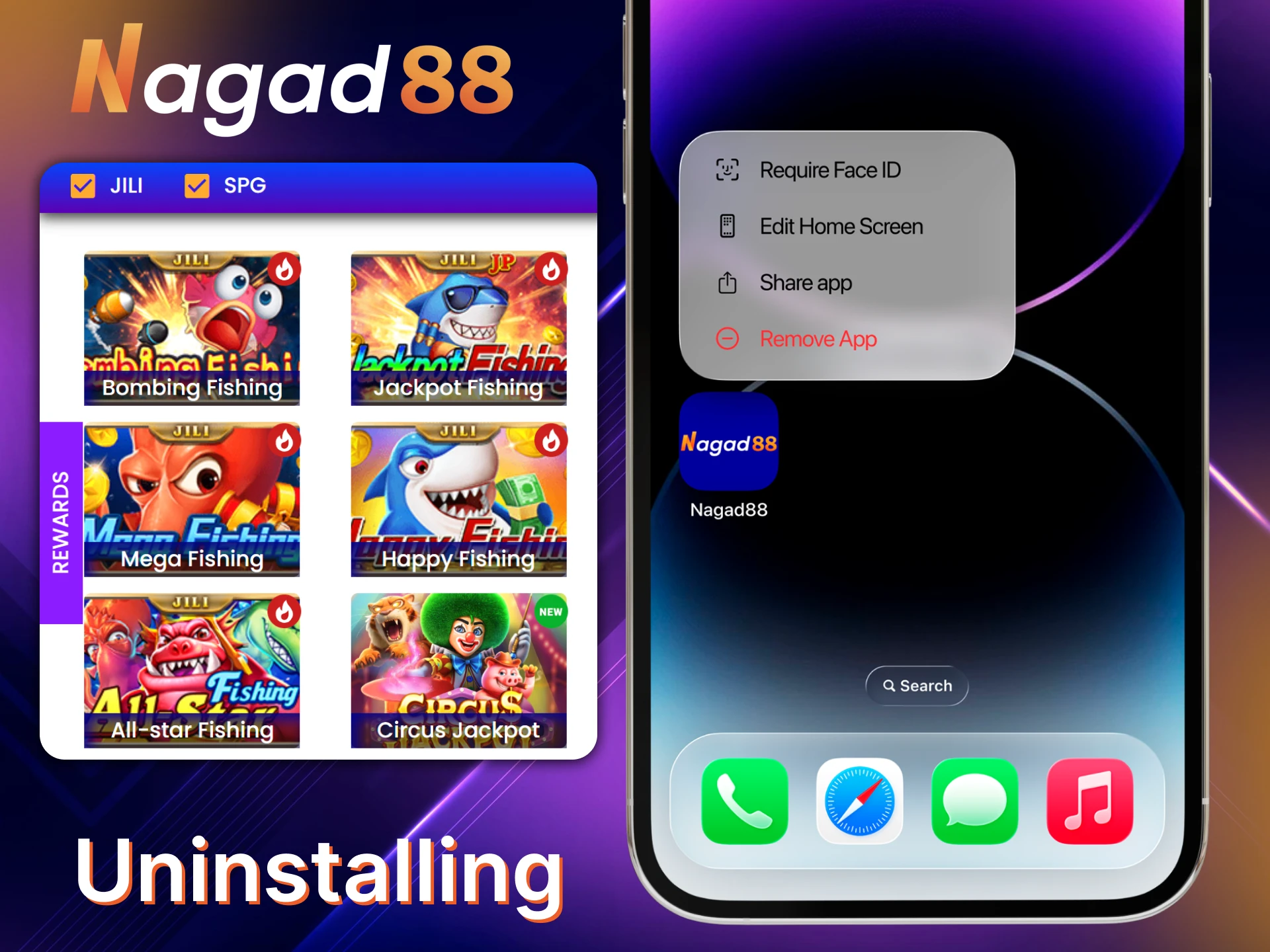
If you want to uninstall the mobile application, this can be done in the settings. The procedure is fast and consists of the following steps:
You can also uninstall the application on the home screen. To do this, press and hold the shortcut for a few seconds. Then select the uninstall option.
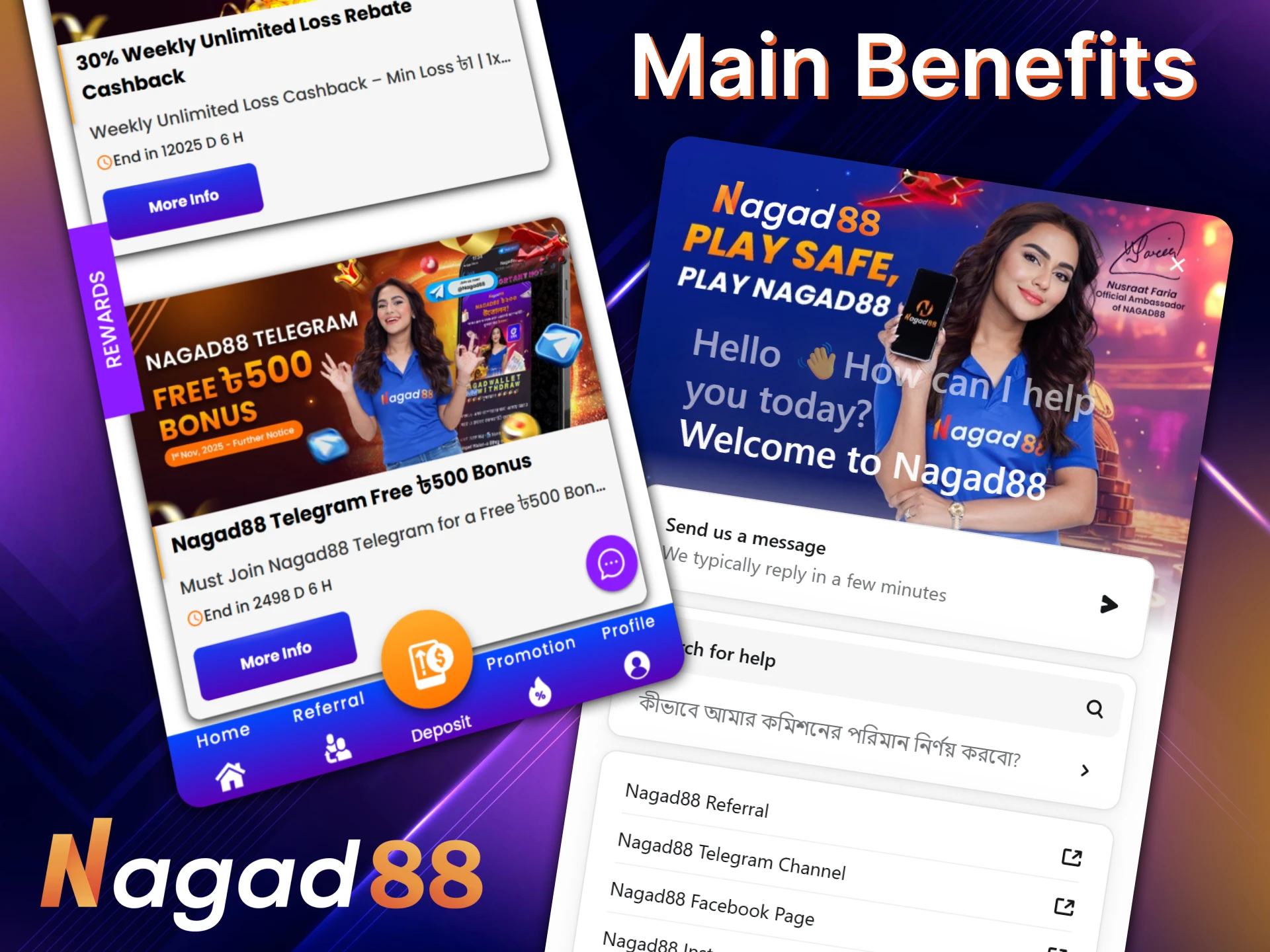
The mobile application is a more convenient format for users who prefer to place bets on a smartphone. It has several advantages:
Also, updates regularly occur in the mobile application. We are constantly expanding its functionality and gaming possibilities.
No, you can use one account to play in all versions of Nagad88. This applies to the desktop site and web version, as well as the applications for Android and iOS.
If the problem is that you forgot your password, try to restore it. To do this, indicate that you forgot your password in the authorization form and enter your email address. An email with instructions will be sent to it.
Not necessarily. Verification is not required at the start of the game. However, it may be necessary before the first withdrawal of money.
No, this is prohibited by the rules. For deposits and withdrawals of winnings, you can only use bank cards and electronic wallets registered in the name of the account owner.
Updated: